Created: 4th April 2021
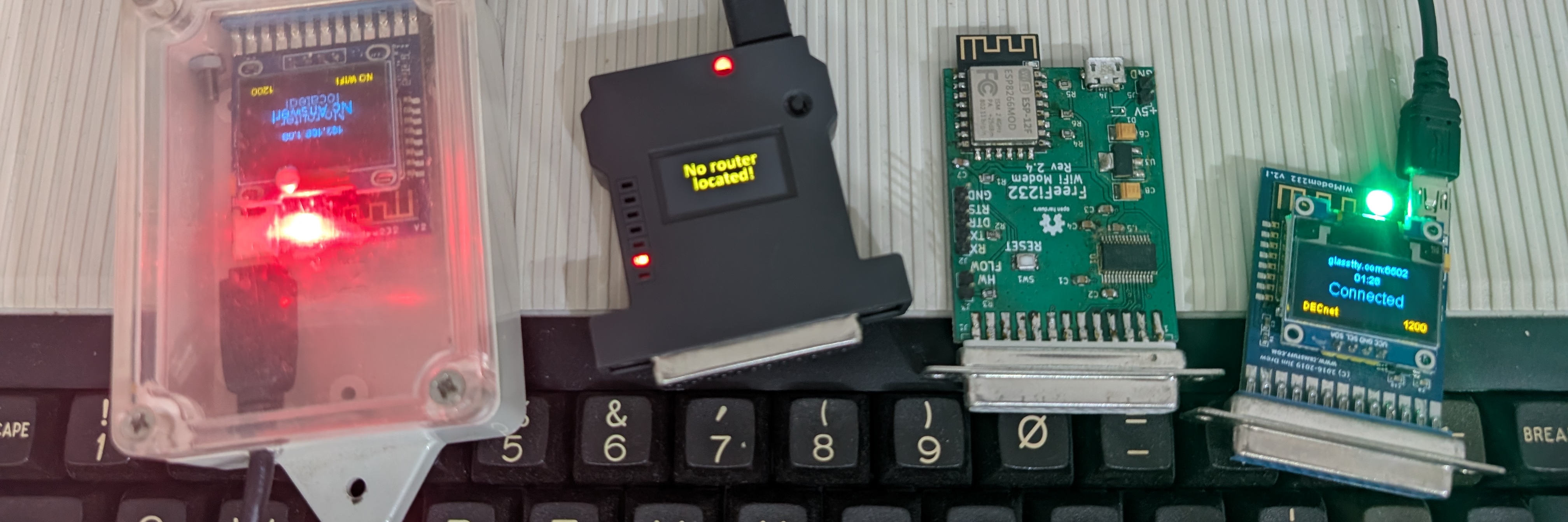
If an WiFi/internet modem is being used to access Telstar such as the WiModem232 there are a few things to be aware of.
Videotex terminal software does not normally send a CR (0x0D) but uses the ASCII underscore character (0x5F) instead. The videotex character set is slightly different to ASCII and the code 0x5F represents a hash/pound (#) when using the videotext character set. This can make it difficult to configure a modem using this software unless the modem can be configured to accept 0x5F (#) as a CR.
Some WiFi modems can be configured to accept the 0x5F (#) character as a CR thereby allowing the modem to configured easily with videotex terminal software in the same way as normal terminal software. For example the WiModem232 has a special Telstar mode that can be enabled/disabled using the AT*WS command
Some videotex client software can send CR using a control codes. For example using Ctrl M with Commstar will send a CR. The Telstar Client uses Alt M for example, in the Antelope software, Ctrl+D can be used.
Videotext systems tend to transfer data using 7 bits with the eighth bit being used for parity (7E1), as a result some videotext terminal software does not have the ability to change this. This can make it difficult to configure a modem using this software unless the modem can be configured to ignore parity. The WiModem232, when set to TELSTAR mode using the AT*TS command (described above) will ignore parity to allow AT commands to be used successfully. For details please see the documentation for your particular modem.